Every quality, up to 4K
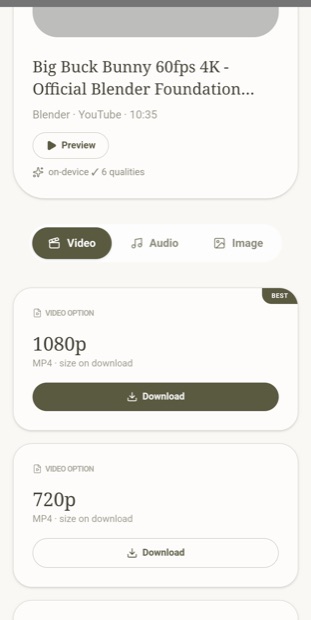
720p, 1080p, 1440p, 4K — the real streams, merged without re-encoding. Nothing is lost, nothing is watermarked.
Most downloaders hand you 360p and a watermark. StreamGarden pulls the real streams — up to 4K — right on your device, merges them without re-encoding, and turns any track into a proper MP3 with its cover art. No account needed, and your files never leave your device. Free — Premium removes ads.
Everything runs on your own device. Fast, private, and yours to keep.
720p, 1080p, 1440p, 4K — the real streams, merged without re-encoding. Nothing is lost, nothing is watermarked.
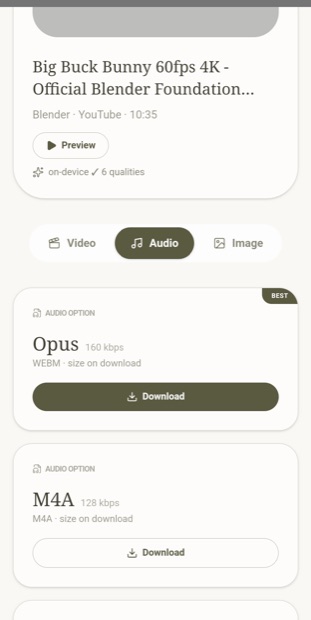
No site actually serves MP3. StreamGarden encodes it on your device and writes the title, artist and thumbnail into the file.
Files come down as several ranged chunks at once, so a long video finishes in a fraction of the usual time.
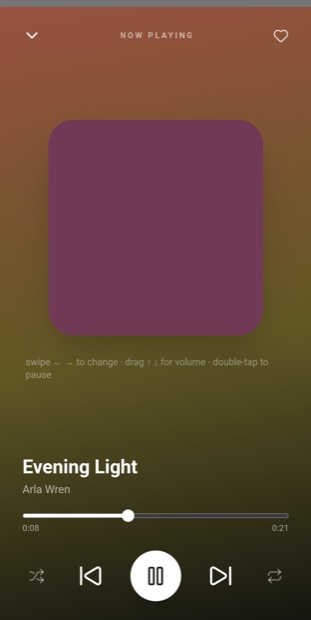
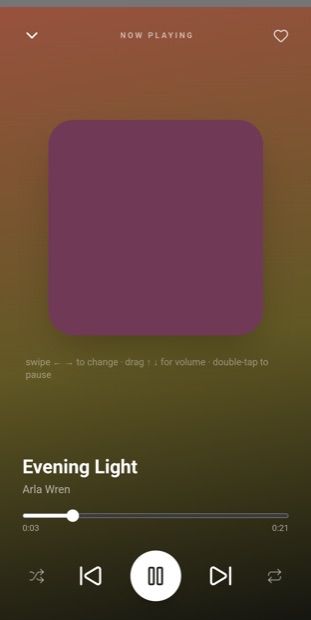
Playlists, favourites, swipe gestures and background playback with lock-screen and headset controls — built right in.
On Windows & Mac, paste a whole list of links — even glued in one paragraph — and they all queue and download together.
Phone, laptop, desktop — Android, Windows 10/11 and macOS (Apple Silicon & Intel). One clean interface everywhere.
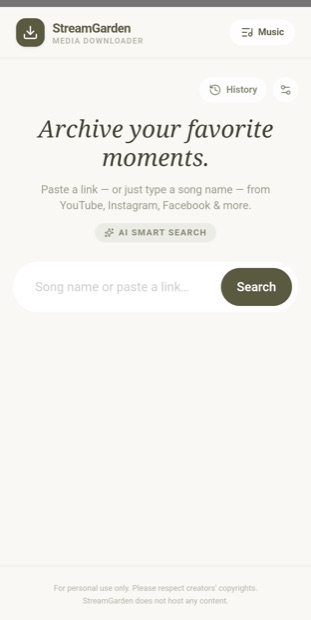
Swipe through what it actually looks like.
On your phone — Android
On your computer — Windows & Mac (the same app)
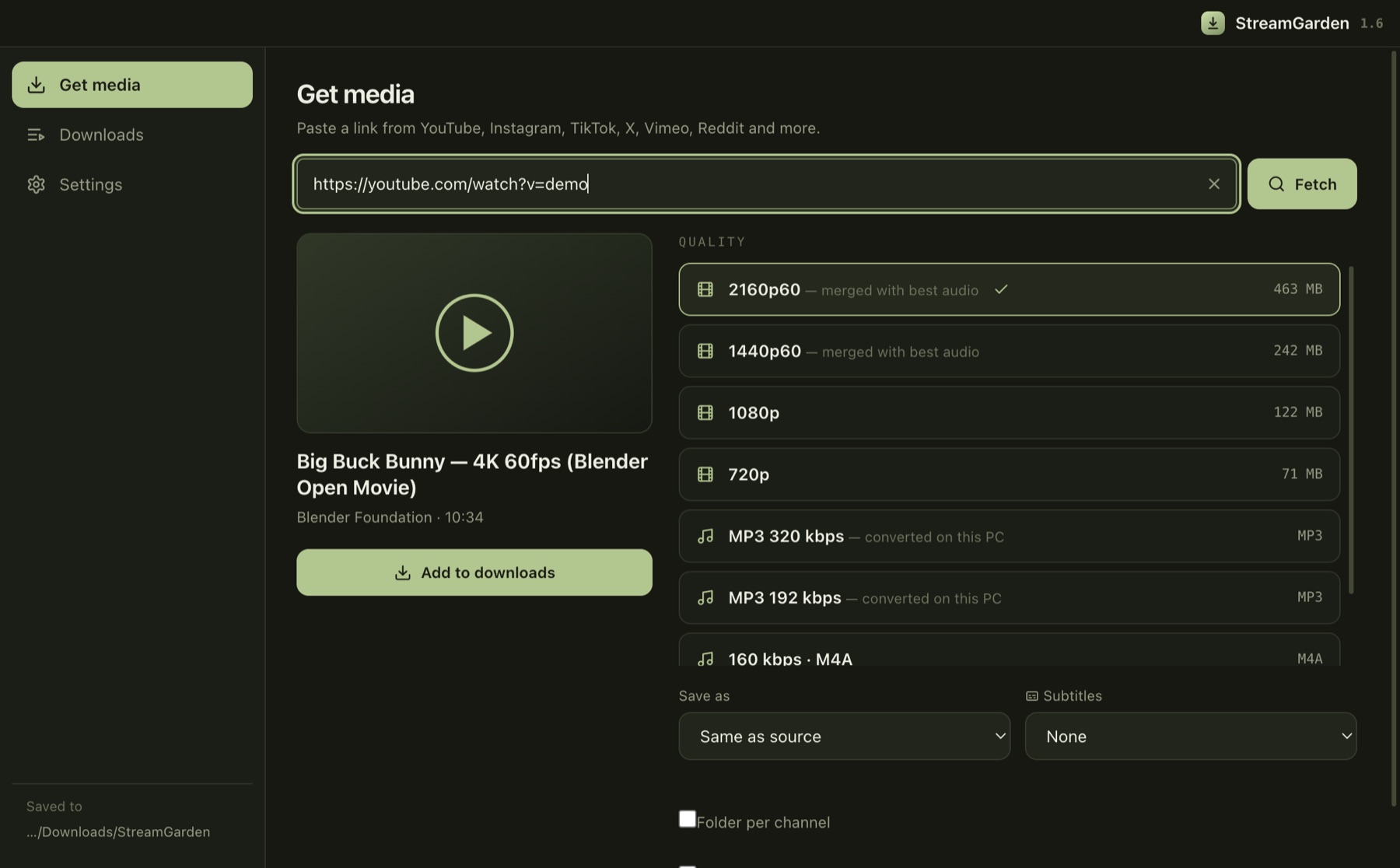
Search, a download queue, trimming, subtitles, formats and multi-link — one clean window. Identical on Windows and macOS.
No downloader is allowed in the app stores, so each system shows a one-time safety prompt. Here's exactly what you'll see — and the one tap past it.
These warnings are normal — not a red flag. They appear on every app that isn't signed with a paid store certificate, just like NewPipe, Seal and yt-dlp. It asks for no camera, microphone or location, and never touches your personal files.
Everything essential is free, forever. Premium is just ₹99 per year — full quality, MP3 and more.
Everything you need to download.
Unlock the full power.
Yes. It asks for no camera, microphone, location or contacts. The prompts — Chrome's APK notice, “Windows protected your PC”, macOS's “could not verify” — appear only because the app isn't signed with a paid store certificate, not because anything is wrong. Most independent apps ship this way.
Google and Apple don't allow apps that download from platforms like YouTube. That's why NewPipe, Seal and every similar app are distributed outside the stores — exactly like this.
Apple menu → About This Mac. “Apple M1/M2/M3…” → choose Apple Silicon; “Intel” → choose Intel. Same app either way.
No. It's a single ₹99 payment, unlocked for life on your device, including all future updates. No renewals, no recurring charge.
Message us on WhatsApp (button above), pay ₹99 by UPI, send the screenshot. We flip your device to Premium instantly. No card details ever leave your hands.
The app doesn't run analytics and never touches your files or activity — it only registers a device identifier so updates and Premium can be applied. The website is free and shows ads (via Monetag) to cover costs; Premium removes ads. See our Privacy Policy.
Into a StreamGarden folder in your normal Downloads / storage — ordinary files, visible to every gallery, file manager and music player.
Android, Windows and Mac. Free — Premium removes ads.
Download StreamGarden